
Popular Articles:
How to Buy eSIM for iPhone Complete Setup Guide
How to Buy eSIM for iPhone: Complete Setup Guide 2025
Ngày đăng: 2025-09-24 16 lượt xem
How to buy esim for iphone transforms your connectivity experience by eliminating physical SIM cards and enabling instant digital activation. This comprehensive guide covers purchasing options, activation procedures, device transfers, and provider recommendations including Airtel, ensuring seamless eSIM setup and management across all compatible iPhone models from XS to iPhone 15.
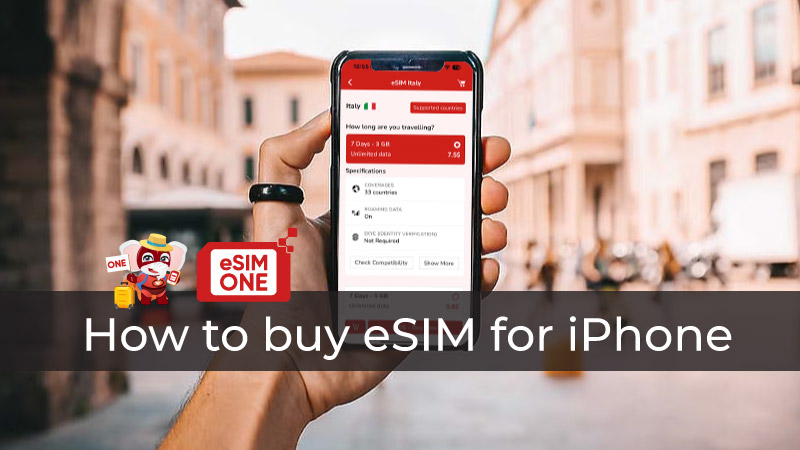 How to buy esim for iPhone very easy
Understanding How to Buy eSIM for iPhone
Purchasing an eSIM for iPhone involves selecting a digital carrier plan that downloads directly to your device's embedded SIM chip. Unlike traditional SIM cards, eSIM technology eliminates physical swapping while supporting multiple carrier profiles simultaneously.
Definition and Benefits
How to buy esim for iphone begins with understanding that eSIM represents embedded SIM technology built into your device. This digital SIM solution provides instant activation, eliminates shipping delays, and supports dual-SIM functionality. The embedded SIM for iPhone architecture enables remote carrier switching without visiting stores or handling physical cards. For comprehensive guidance, visit our how to buy esim for iphone complete setup tutorial.
eSIM vs Physical SIM on iPhone
eSIM plans offer no SIM tray needed convenience while providing remote provisioning capabilities that physical SIMs cannot match. iPhone users benefit from instant plan activation, reduced roaming costs, and the ability to maintain multiple carrier relationships simultaneously. Traditional SIMs require physical handling and carrier visits for plan changes.
iPhone Models with eSIM Support
iPhone XS (2018) and all subsequent models support eSIM functionality, including iPhone 11, 12, 13, 14, and 15 series devices. iPhone 14 and newer models in the United States exclusively use eSIM technology, completely eliminating physical SIM card slots. Check detailed compatibility at Apple eSIM support for your specific device.
How to Activate eSIM on iPhone
How to activate eSIM on iPhone requires proper preparation, compatible device verification, and following structured activation procedures for successful setup.
Pre-activation Requirements
Before attempting to activate esim on iPhone, ensure your device is carrier-unlocked and running the latest iOS version. Verify eSIM support by navigating to Settings > Cellular and confirming "Add Cellular Plan" appears. Gather Wi-Fi connectivity for profile download and your chosen carrier's activation credentials. Our activate eSIM on iPhone guide provides detailed preparation steps.
Step-by-Step Activation Process
Navigate to Settings > Cellular > Add Cellular Plan to begin eSIM activation. Scan your provider's QR code using the device camera, or manually enter activation details if scanning fails. Label your new plan for easy identification, configure data and voice preferences, then test connectivity by placing a call or accessing data services.
Common Activation Errors and Fixes
"Cellular Plan Cannot Be Added" errors typically result from carrier restrictions or device compatibility issues. "No Service" messages may require airplane mode cycling or manual carrier selection. Contact your eSIM provider with device model and error details if problems persist beyond basic troubleshooting steps.
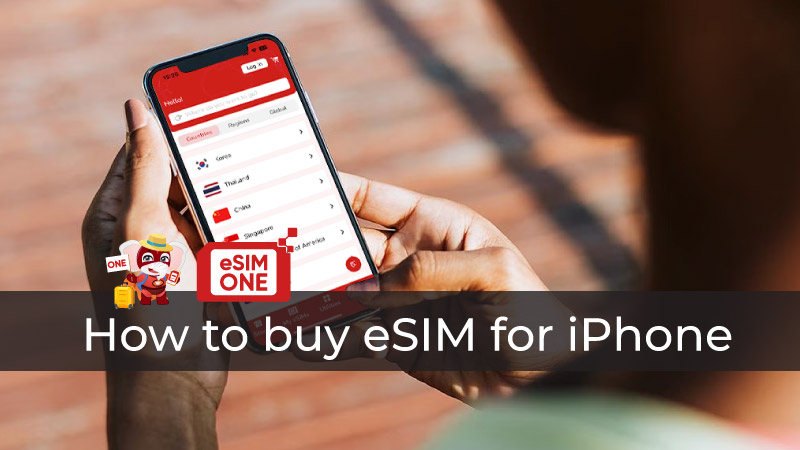
How to Transfer eSIM from One iPhone to Android
How to transfer eSIM from one iPhone to Android presents unique challenges due to platform differences and carrier-specific limitations.
Transfer Limitations and Compatibility
Transfer esim from iPhone to Android requires understanding that eSIM profiles cannot directly migrate between operating systems. Most carriers require complete reactivation with new QR codes for Android devices. Profile sharing violates carrier terms of service and may result in service termination. Visit our transfer eSIM from iPhone resource for platform-specific instructions.
Manual vs App-based Transfer Methods
Manual transfer involves contacting your carrier to deactivate iPhone eSIM and generate new Android activation credentials. Some carriers offer companion apps that streamline reactivation processes across platforms. Transfer typically takes 24-48 hours for profile regeneration and device provisioning.
Data Loss Prevention Tips
Document important account information before initiating transfers, including plan details, remaining balances, and contact preferences. Download carrier apps on both devices for seamless account management during transition periods. Maintain backup connectivity through Wi-Fi or secondary SIM during transfer completion.
How to Activate eSIM in iPhone 15
How to activate eSIM in iPhone 15 benefits from enhanced setup processes and improved carrier integration compared to earlier iPhone models.
New Features in iPhone 15 eSIM Setup
iPhone 15 introduces streamlined eSIM activation through carrier detection and automated profile suggestions. Quick Transfer functionality enables eSIM migration from previous iPhones without QR code scanning. Enhanced security measures protect against unauthorized profile installations while maintaining user convenience. Learn more about latest features at our iPhone 15 eSIM setup dedicated page.
Activation Differences vs Older Models
iPhone 15 supports more simultaneous eSIM profiles and faster activation compared to iPhone XS-13 series devices. Improved antenna technology provides better network performance and reliability during initial setup. Carrier partnerships enable zero-touch provisioning for major providers according to GSMA eSIM standards specifications.
Troubleshooting iPhone 15-specific Issues
"eSIM Not Supported" messages on iPhone 15 typically indicate carrier compatibility problems rather than device limitations. Network congestion may delay profile downloads during peak activation periods. Apple Support offers specialized iPhone 15 eSIM assistance through their official support channels.
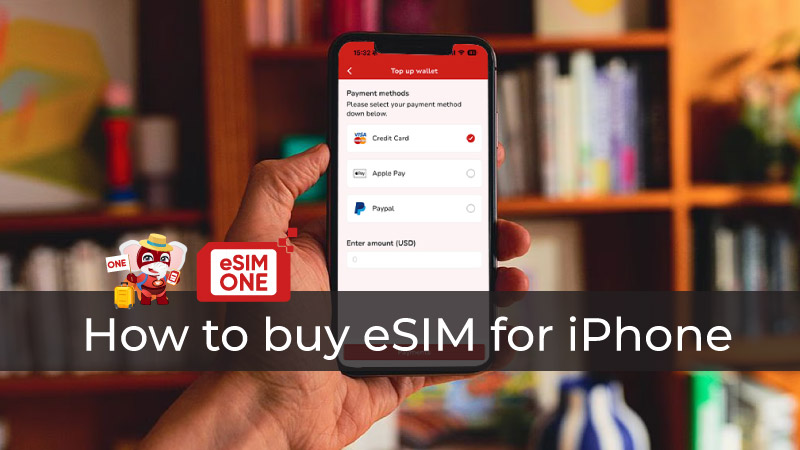 How to Activate eSIM in iPhone 15, 16, 17 series
Airtel eSIM for iPhone
Airtel eSIM for iPhone provides comprehensive coverage and competitive pricing for users in supported regions, particularly India and select international markets.
Airtel Plan Offerings and Pricing
Airtel offers prepaid and postpaid eSIM plans starting from ₹199 for basic data packages to ₹2,999 for unlimited monthly subscriptions. International roaming plans provide coverage across 200+ countries with transparent pricing and no hidden charges. Corporate plans include bulk pricing and centralized management for business users. Explore current Airtel eSIM plans and promotional offers.
Coverage and Network Quality in Key Regions
Airtel's 4G network covers 99% of India's population with 5G expansion in major metropolitan areas. Network performance consistently ranks among India's top three carriers for speed and reliability. International partnerships provide seamless roaming across Europe, Asia-Pacific, and North American regions.
Airtel-specific Activation Steps
Download the Airtel Thanks app and select eSIM activation from the menu. Verify your identity through OTP authentication and choose your preferred plan. Scan the generated QR code using iPhone settings and complete activation within 5-10 minutes for most plan types.
Choosing the Right eSIM Provider for iPhone
Provider selection significantly impacts your eSIM experience quality, coverage reliability, and ongoing support availability.
Global vs Local eSIM Providers
Global providers like Airalo, Holafly, and GigSky offer broad international coverage but may lack local customer support. Regional providers deliver competitive domestic pricing and native language support but limited international options. Evaluate your travel patterns and support requirements when choosing between global and local providers. Compare options through our comprehensive eSIM provider comparison tool.
Pricing, Validity, and Data Allowances
eSIM plans range from $5-10 for daily tourist packages to $50-100 for monthly unlimited plans. Validity periods vary from 24 hours to 365 days depending on provider and plan type. Data allowances span 1GB for basic plans to unlimited for premium subscriptions with various speed tiers and throttling policies.
Customer Support and Service Reliability
Premium providers offer 24/7 multilingual support through chat, email, and phone channels. Budget providers may limit support to business hours and email-only communication. Service reliability varies significantly between providers, with established carriers generally offering better network partnerships and backup options.
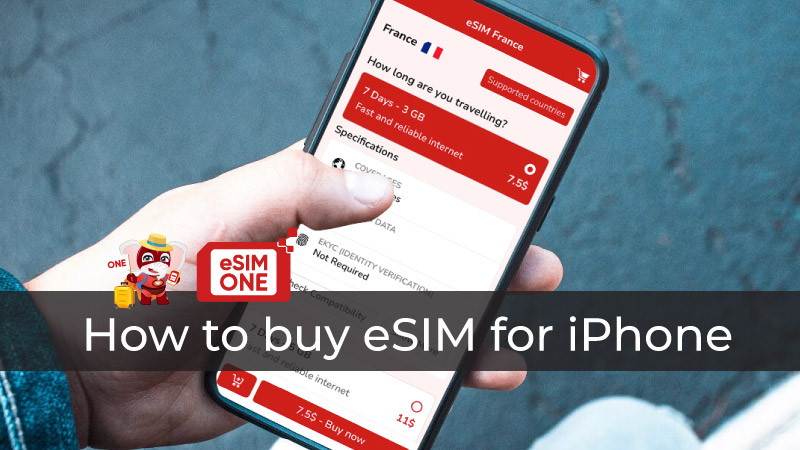
Usage Tips and Management on iPhone
Effective eSIM management maximizes your investment while ensuring consistent connectivity across different usage scenarios.
Managing Multiple eSIM Profiles
iPhone supports multiple eSIM profiles with two active simultaneously alongside one physical SIM if available. Access Cellular settings to switch between profiles, rename plans for easy identification, and configure data usage preferences. Delete unused profiles to free storage space and reduce battery consumption. Master profile management with our manage eSIM profiles comprehensive tutorial.
Setting Default Data/Voice Lines
Designate your primary line for voice calls and secondary line for data to optimize costs and coverage. Configure automatic switching between lines based on signal strength and availability. Set up call forwarding between lines to ensure you never miss important communications.
Battery and Performance Optimization
Dual-SIM operation increases battery consumption by approximately 10-15% compared to single-SIM usage. Disable unused cellular radios in areas with poor coverage to extend battery life. Monitor data usage across profiles to avoid unexpected charges and optimize plan utilization.
Frequently Asked Questions About How to Buy eSIM for iPhone
Can I use eSIM and physical SIM simultaneously on iPhone?
Yes, iPhone XS through iPhone 13 support dual-SIM with one eSIM and one physical SIM active simultaneously. iPhone 14 and newer US models use dual eSIM without physical SIM support. You can receive calls and messages on both lines while designating one for data usage. Find answers to more questions at our eSIM FAQ section.
What happens if I lose my iPhone with eSIM?
Contact your carrier immediately to suspend eSIM service and prevent unauthorized usage. Most carriers allow eSIM reactivation on replacement devices using your account credentials. Some providers offer remote eSIM locking through companion apps for added security.
Can I share my eSIM plan with family members?
No, eSIM profiles are device-specific and cannot be shared between users or devices. Family sharing requires separate eSIM plans for each device. Some carriers offer family plan discounts when multiple eSIM subscriptions are purchased under one account.
How long does eSIM activation typically take?
Standard eSIM activation completes within 5-15 minutes for most carriers and plan types. Complex corporate plans or international roaming activation may require 2-24 hours for full provisioning. Network congestion during peak hours can extend activation times temporarily.
Author: Leon
5/5 - (4 votes)
Related Articles

Comprehensive comparison showing what is the best eSIM for Thailand and Vietnam with network coverage analysis
What is the best eSIM for Thailand and ...

Complete step-by-step workflow showing how to buy new eSIM from device verification through activation
How to buy new eSIM requires understanding devi...
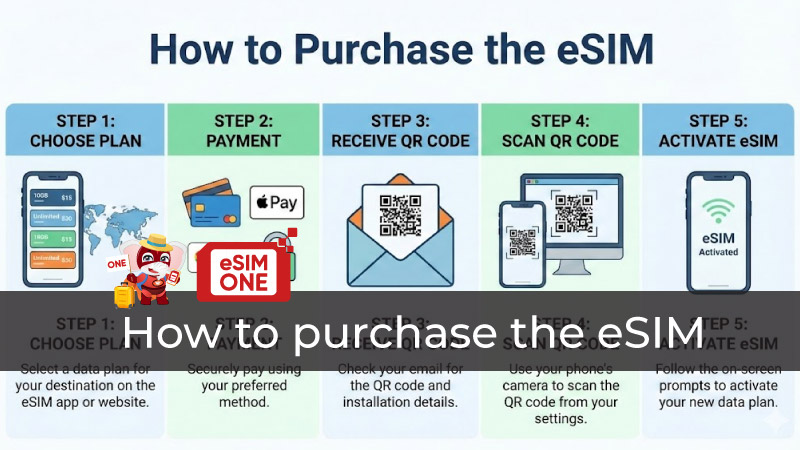
Complete visual guide showing how to purchase the eSIM from device verification through activation
How to purchase the eSIM requires understanding de...
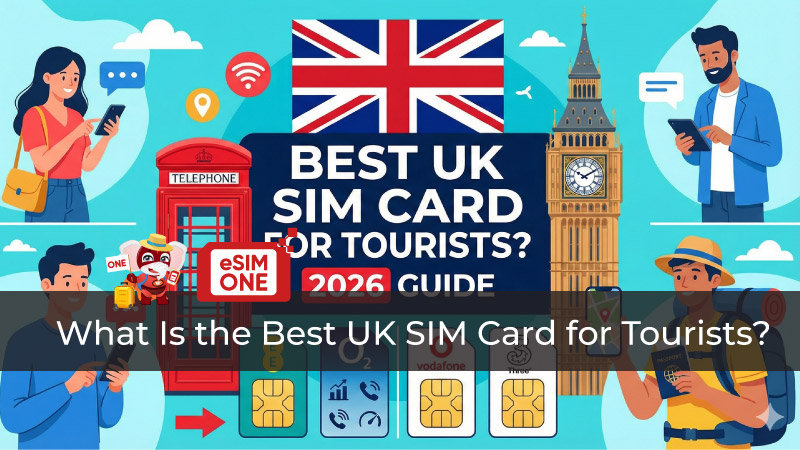
Comprehensive comparison chart showing what is the best UK SIM card for tourists with provider rankings
What is the best UK SIM card for tourists req...
Step-by-step visual guide showing how to directly buy eSIM online through QR code delivery and installation
How to directly buy eSIM is simple: choos...